

Canva
Canva is a versatile graphic design platform perfect for real estate agents looking to elevate their marketing game. With a drag-and-drop interface and thousands of customizable templates, agents can quickly create eye-catching social media posts, property flyers, listing presentations, and more - without needing any design skills.
Canva’s library includes a vast selection of fonts, images, and elements, making it easy to build branded content that stands out and attracts more clients. Plus, with team collaboration options and built-in resizing tools, agents can create and share their marketing assets seamlessly across all channels.
.jpg)
How it Works
You do not need to be a designer to look like one. That is the whole point of Canva, and it is why so many real estate agents use it daily.
Canva is a drag-and-drop design platform with thousands of templates for social media posts, flyers, listing presentations, business cards, open house signs, and pretty much anything else you might need. You pick a template, swap in your photos and text, adjust the colors to match your branding, and export.
The free version covers most agents just fine. You get access to templates, stock photos, and basic design elements. Canva Pro adds brand kits (so your colors and fonts are always one click away), background remover (perfect for headshots and product shots), and a larger media library.
For listing marketing specifically, Canva shines. You can create Instagram carousels, Facebook ads, property flyers, and just listed postcards in the same session without switching tools. Resize a design for different platforms in one click. If you are working with a transaction coordinator to handle your paperwork, you will have even more time to focus on creating content that attracts clients.
Canva also has a mobile app, which means you can build a quick social post from your car between showings if you need to.
Quick Setup Tips
- Set up a Brand Kit first. Add your logo, brand colors, and fonts so every design stays consistent.
- Use the "Resize" feature to create multiple versions of the same design for different platforms
- Explore the real estate template category for pre-built listing posts, open house flyers, and more
Real Estate Use Cases
- Creating branded just listed and just sold posts for Instagram and Facebook
- Designing open house flyers and property brochures without hiring a graphic designer
- Building listing presentations for seller appointments
- Making Instagram story templates you can reuse for each new listing
FAQ's
For most agents, yes. The free version includes enough templates and features to create professional marketing materials. Pro is worth it if you want the background remover, unlimited storage, and brand kit features.
Absolutely. Canva exports in print-ready formats with proper resolution and bleed marks. You can send designs directly to a printer or order prints through Canva itself.
Once you have templates saved, you can create a branded listing post in under five minutes.
Other Tools You Might Like

Microsoft Clarity
Heading 1
Heading 2
Heading 3
Heading 4
Heading 5
Heading 6
Lorem ipsum dolor sit amet, consectetur adipiscing elit, sed do eiusmod tempor incididunt ut labore et dolore magna aliqua. Ut enim ad minim veniam, quis nostrud exercitation ullamco laboris nisi ut aliquip ex ea commodo consequat. Duis aute irure dolor in reprehenderit in voluptate velit esse cillum dolore eu fugiat nulla pariatur.
Block quote
Ordered list
- Item 1
- Item 2
- Item 3
Unordered list
- Item A
- Item B
- Item C
Bold text
Emphasis
Superscript
Subscript

Hotjar
Heading 1
Heading 2
Heading 3
Heading 4
Heading 5
Heading 6
Lorem ipsum dolor sit amet, consectetur adipiscing elit, sed do eiusmod tempor incididunt ut labore et dolore magna aliqua. Ut enim ad minim veniam, quis nostrud exercitation ullamco laboris nisi ut aliquip ex ea commodo consequat. Duis aute irure dolor in reprehenderit in voluptate velit esse cillum dolore eu fugiat nulla pariatur.
Block quote
Ordered list
- Item 1
- Item 2
- Item 3
Unordered list
- Item A
- Item B
- Item C
Bold text
Emphasis
Superscript
Subscript

Follow Up Boss
Heading 1
Heading 2
Heading 3
Heading 4
Heading 5
Heading 6
Lorem ipsum dolor sit amet, consectetur adipiscing elit, sed do eiusmod tempor incididunt ut labore et dolore magna aliqua. Ut enim ad minim veniam, quis nostrud exercitation ullamco laboris nisi ut aliquip ex ea commodo consequat. Duis aute irure dolor in reprehenderit in voluptate velit esse cillum dolore eu fugiat nulla pariatur.
Block quote
Ordered list
- Item 1
- Item 2
- Item 3
Unordered list
- Item A
- Item B
- Item C
Bold text
Emphasis
Superscript
Subscript
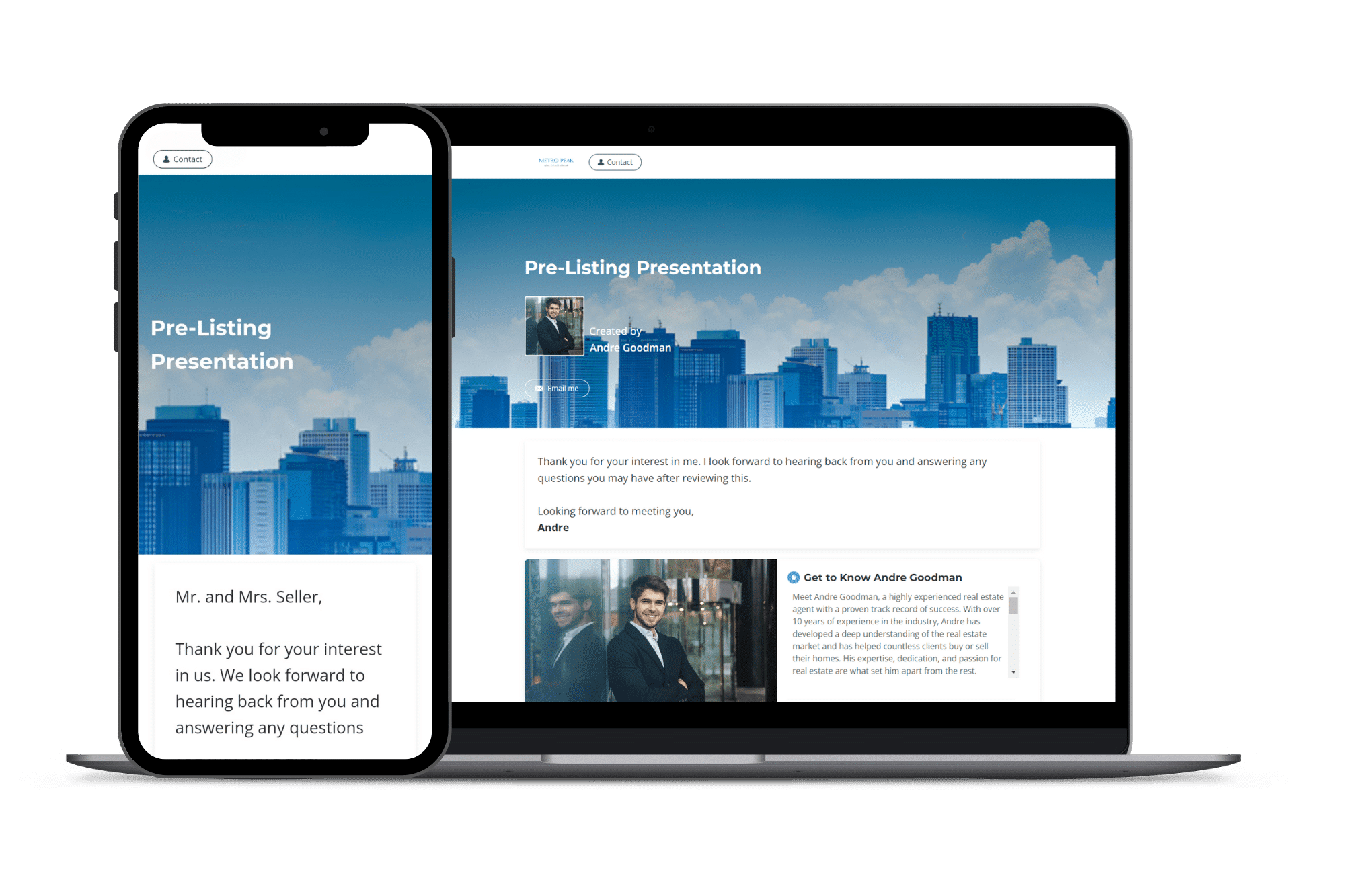
Highnote
Heading 1
Heading 2
Heading 3
Heading 4
Heading 5
Heading 6
Lorem ipsum dolor sit amet, consectetur adipiscing elit, sed do eiusmod tempor incididunt ut labore et dolore magna aliqua. Ut enim ad minim veniam, quis nostrud exercitation ullamco laboris nisi ut aliquip ex ea commodo consequat. Duis aute irure dolor in reprehenderit in voluptate velit esse cillum dolore eu fugiat nulla pariatur.
Block quote
Ordered list
- Item 1
- Item 2
- Item 3
Unordered list
- Item A
- Item B
- Item C
Bold text
Emphasis
Superscript
Subscript
